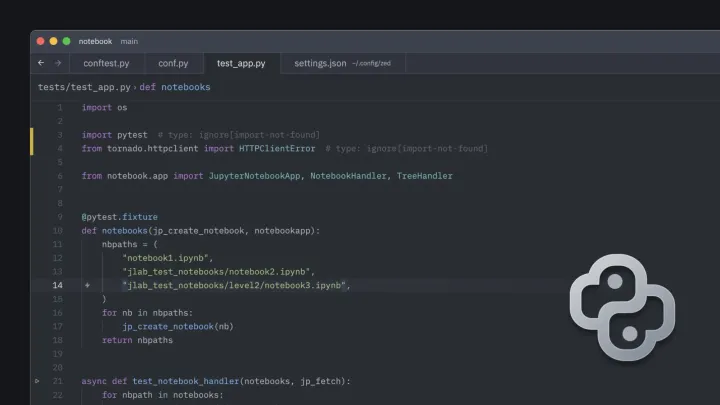
Autodesk Fusion autocomplete in Zed If you write Autodesk Fusion 360 Python add-ins and you've switched to the Zed editor, you've probably hit the wall and miss autocomplete. Here is how to fix it.
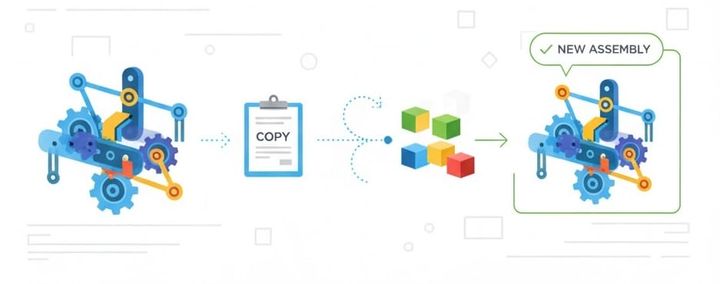
Copy Assemblies Copy Assemblies in Autodesk Fusion Assembly Basics Once you have created a Fusion Assembly you my find that you want to begin another assembly using the first as a start. To do this there are several concepts to understand and a set of capabilities in Autodesk Fusion to help you.
My-VSCODE-Extensions Here is my end of 2023 curated list of VSCode extensions. Many help with Fusion scripts, add-ins, and post writing.
Fusion Modeling Best Practices After years of watching and helping other model with parametric design tools, I have collected a list of best practices. These apply to if you are new to Fusion or a CAD veteran moving from another design tool.
Tips on Fusion 360 Performance Tips on Fusion 360 Performance To get timely help with performance questions Please post to Fusion 360 support forum (Not Facebook Please). The Fusion support forum is here: https://forums.autodesk.com/t5/fusion-360-support/bd-p/962 When posting, describe your issue as specific as you can. Please
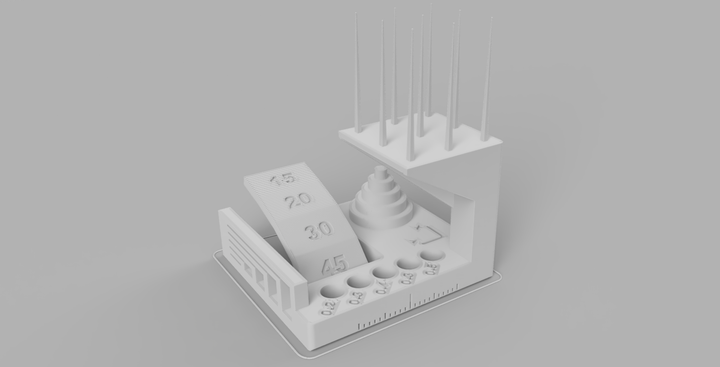
FFF Assessment Protocol Open fdmtest_v4 and print the geometry using “standard” settings. What this geometry does test: * Dimensional accuracy (backlash optional) * Negative feature resolution * Positive feature resolution/fine flow control * Basic overhang capabilities * Basic bridging capabilities * XY ringing * Z-axis alignment What this geometry does not test: * Warp/adhesion * Overhang capabilities over
Fusion 360 Modeling Parameters and Equations Parameter Basics Fusion 360 can do quite a lot with values you enter to control size of your features and designs. It is worth noting that these tips apply to timeline designs only. To learn more read here about the differences between Direct and Timeline design types. Parameters are created
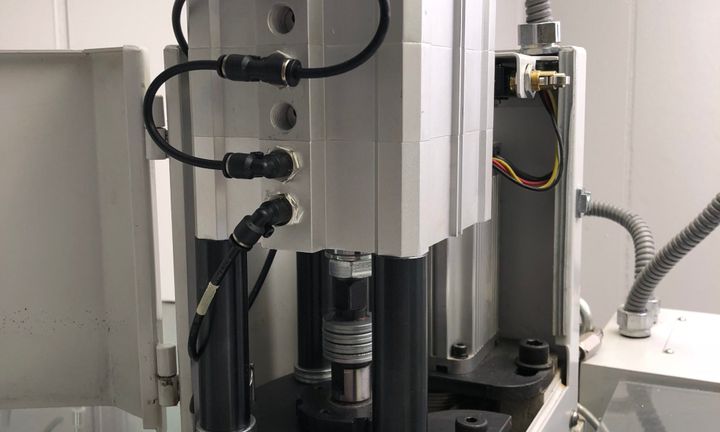
Tormach Upgrades - Part 1 Over the last year, I have been banging parts on the Tormach 440 [https://www.tormach.com/product-pcnc-440.html]. I have proven I can get great parts off the machine and have paid the machine off with spec work. It is time to do some upgrades. Photo by
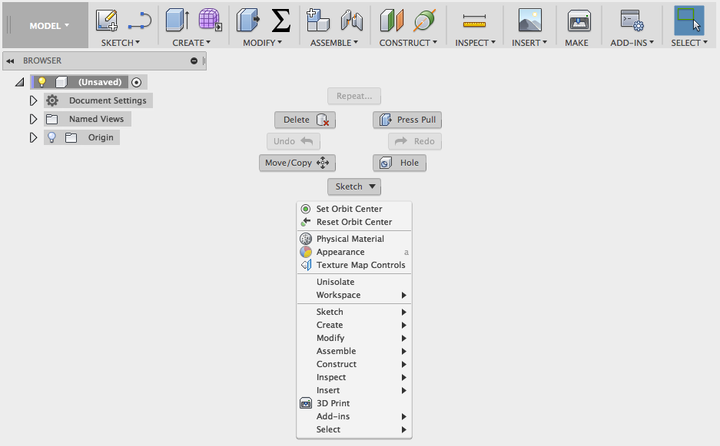
Marking menu gestures Using the right click menu in Fusion 360 brings up a context menu. This menu is divided into two sections. At the bottom is a classic context menu. At the top is a radial menu called a marking menu. We will focus on the marking menu and ways to use